Building a 3-Tier Web Application on Azure with App Service, Functions, and Cosmos DB
Build a 3-tier restaurant menu app using Azure App Service, Functions, and Cosmos DB. Learn serverless APIs, NoSQL databases, and full-stack deployment.
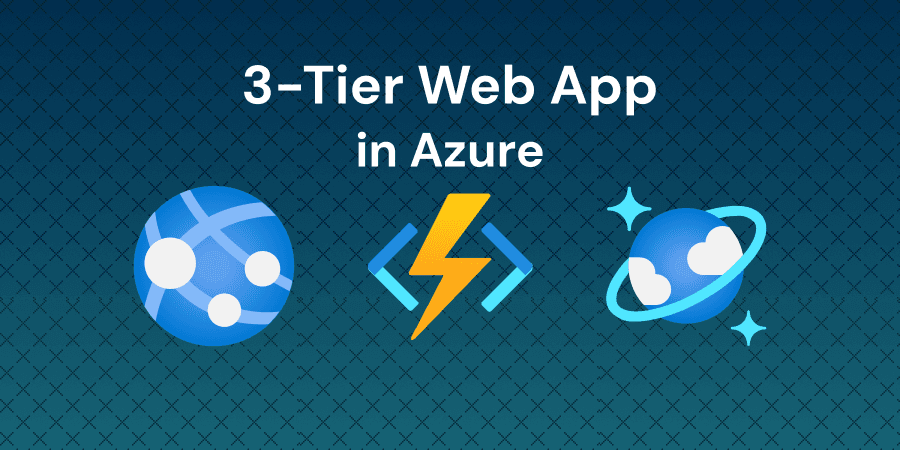
Lab overview
Azure provides a comprehensive suite of cloud services for building modern, scalable web applications. A 3-tier architecture separates applications into three logical layers: the presentation layer (frontend), the application layer (backend API), and the data layer (database). This architectural pattern promotes separation of concerns, making applications easier to develop, maintain, and scale. Azure App Service hosts web applications with built-in scaling and deployment features, Azure Functions provides serverless compute for running backend code without managing infrastructure, and Azure Cosmos DB offers globally distributed NoSQL database capabilities with guaranteed low latency and high availability.
In this lab, you will build a complete 3-tier web application for managing restaurant menu items. You'll deploy Azure infrastructure including App Service, Function App, and Cosmos DB, implement a serverless REST API using Azure Functions with Cosmos DB bindings, create a responsive web frontend with HTML, CSS, and JavaScript, configure cross-origin resource sharing (CORS) for secure communication, and test the complete application with create, read, and update operations.
Objectives
Upon completion of this intermediate level lab, you will be able to:
- Deploy Azure App Service, Azure Functions, and Cosmos DB infrastructure for a 3-tier application
- Implement HTTP-triggered Azure Functions with Cosmos DB input and output bindings
- Configure environment variables and connection strings for cloud applications
- Build a responsive web frontend using Express.js, HTML, CSS, and JavaScript
- Deploy applications to Azure using Azure CLI commands
- Configure CORS policies to enable secure cross-origin API communication
- Test end-to-end application functionality including create, read, and update operations
Who is this lab for?
This lab is designed for:
- Cloud developers building full-stack applications on Azure
- Backend engineers learning serverless API development with Azure Functions
- Full-stack developers implementing 3-tier architectures in the cloud
- Students preparing for Azure certifications (AZ-204, AZ-104)
- DevOps engineers deploying and managing cloud-based web applications
- Solutions architects designing scalable multi-tier systems on Azure
Verified against your live environment
An automated validation engine inspects your actual resources and configurations as you work. Completion means the task was performed — not multiple choice, real-world proficiency.
More labs like this
Creating a Web App on Azure App Service using Azure Portal
Learn how to create, configure, and deploy a web application using Azure App Service through the Azure Portal's interface.
Getting Started with Azure Application Insights for App Service Monitoring
Learn to enable Application Insights on Azure App Service, explore live metrics and application maps, and analyze failures and performance to monitor your apps.
Creating and Deploying Azure Functions using Azure Functions Core Tools
In this lab, you will learn how to create and deploy Azure Functions using Azure Functions Core Tools.
Related reading
Environment
Every lab includes
- Real environment, pre-credentialed
- Automated checks on every step
- Isolated sandbox, auto cleanup
- AI-recommended next steps
Lab curriculum
- 01
Logging into Azure CLI
- 02
Project Overview - Three Tier App
- 03
Deploying Azure App Service, Function App, and Cosmos DB
3 automated checks
- 04
Building and Deploying Function App
1 automated check
- 05
Deploying the Frontend Web App
1 automated check
- 06
Fixing CORS Error and Testing the App
Skills validated
Not the lab you were looking for?
Browse 150+ hands-on labs across AWS, Azure, Kubernetes, Docker, and cloud security.