Build an Event-Driven Messaging Solution with Azure Service Bus
Create Service Bus queues and topics, build producer-consumer messaging, implement subscription filters, and handle dead-letter queues.
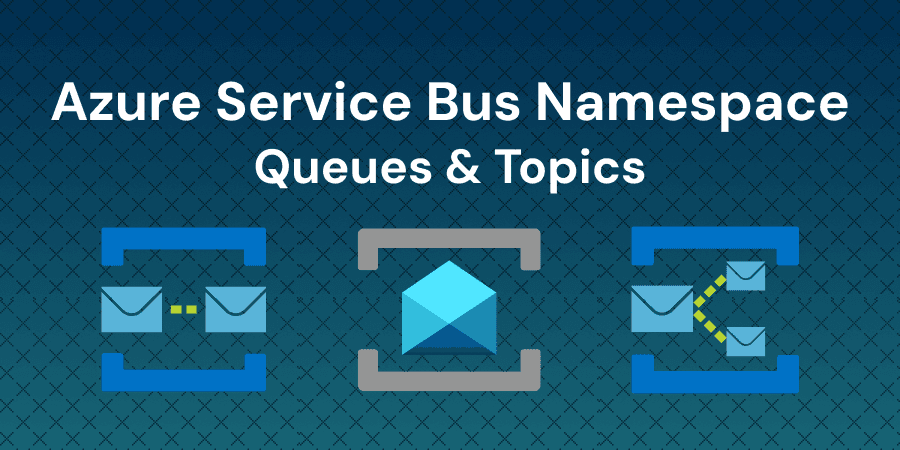
Lab overview
Azure Service Bus is an enterprise-grade message broker that decouples application components through asynchronous messaging, enabling reliable communication between distributed systems even when individual services are temporarily unavailable. Unlike simple storage queues, Service Bus supports advanced patterns like publish-subscribe with filtered topic subscriptions, ordered message delivery, duplicate detection, and dead-letter queues for handling poison messages. These capabilities make it the backbone of event-driven architectures in production Azure environments.
In this lab, you will create queues and topics in a pre-provisioned Service Bus namespace, build producer-consumer messaging patterns using the Azure SDK for Python, configure topic subscriptions with SQL and correlation filters to route messages to specific subscribers, and inspect dead-letter queues to handle failed message delivery.
Objectives
By completing this intermediate lab, you will be able to:
- Create queues and topics in a pre-provisioned Azure Service Bus namespace using the Azure Portal
- Send and receive messages from a Service Bus queue using the Azure SDK for Python
- Configure topic subscriptions with SQL and correlation filters to route messages to specific subscribers
- Inspect and process messages from a dead-letter queue to handle failed message delivery
- Compare Azure Service Bus and Azure Storage Queues to determine when to use each service
Who is this lab for?
- Cloud Developers who need to implement asynchronous messaging patterns in distributed Azure applications
Verified against your live environment
An automated validation engine inspects your actual resources and configurations as you work. Completion means the task was performed, not multiple choice, real-world proficiency.
More labs like this
Building Event-Driven Workflows with Azure Event Grid and Logic Apps
Build event-driven architecture and file processingautomation solutions by connecting storage blob events to Logic Apps using Azure Event Grid.
Creating a Web App on Azure App Service using Azure Portal
Learn how to create, configure, and deploy a web application using Azure App Service through the Azure Portal's interface.
Azure CLI Essentials: Managing Azure Resources with Command Line Tools
Master Azure CLI essentials by managing resource groups, deploying container apps and VMs, and managing resource states in this hands-on lab.
Related reading
Environment
Every lab includes
- Real environment, pre-credentialed
- Automated checks on every step
- Isolated sandbox, auto cleanup
- AI-recommended next steps
Lab curriculum
- 01
Logging into Azure Account using Azure Portal
- 02
Creating a Queue in the Service Bus Namespace
1 automated check
- 03
Sending and Receiving Queue Messages with Python
1 automated check
- 04
Configuring Topic Subscriptions with Filters
1 automated check
- 05
Handling Dead-Letter Queues and Choosing the Right Messaging Service
1 automated check
Skills validated
Not the lab you were looking for?
Browse 250+ hands-on labs across AWS, Azure, Kubernetes, Docker, and cloud security.