The Terraform Workflow - Validate, Format, Plan, Apply, and Destroy
Use terraform fmt, validate, plan, apply, and destroy to manage the full lifecycle of Azure resources from the command line.
Lab overview
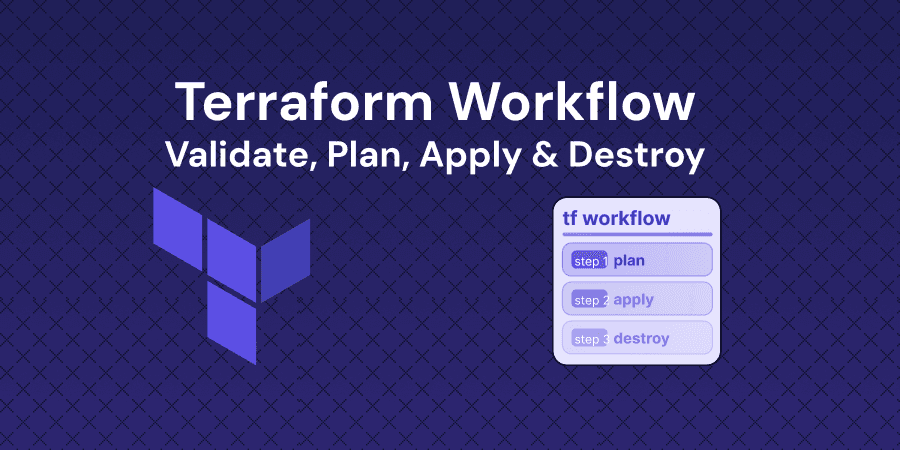
Terraform provides a structured workflow of commands that take infrastructure from written configuration to running resources and back to nothing. Each command in the sequence serves a distinct purpose - fmt enforces consistent code style, validate catches syntax and logic errors before any API calls, plan previews exactly what will change, apply executes those changes, and destroy tears everything down. Understanding this workflow is foundational because every Terraform operation in production follows the same pattern, whether you are provisioning a single storage account or managing hundreds of resources across environments.
In this lab, you will intentionally introduce formatting inconsistencies and fix them with terraform fmt, create syntax errors and catch them with terraform validate, preview resource creation with terraform plan, provision Azure Storage Accounts with terraform apply, and remove resources using both targeted and full terraform destroy operations.
Objectives
Upon completing this beginner level lab, you will be able to:
- Use terraform fmt to automatically fix indentation and formatting inconsistencies in HCL files
- Run terraform validate to catch syntax errors, missing arguments, and invalid references before planning
- Execute terraform plan to preview resource additions, changes, and deletions before applying
- Provision Azure resources with terraform apply and confirm the deployment in the Azure portal
- Remove specific resources with terraform destroy -target and perform a full environment teardown
Who is this lab for?
This lab is designed for:
- Infrastructure engineers learning the core Terraform workflow who need hands-on practice with each command before working in production
- DevOps practitioners looking to establish safe habits around plan-before-apply and targeted destroy operations
- Terraform Associate (003) candidates preparing for exam objectives covering the Terraform workflow, CLI commands, and resource lifecycle
Verified against your live environment
An automated validation engine inspects your actual resources and configurations as you work. Completion means the task was performed — not multiple choice, real-world proficiency.
More labs like this
Deploy a Full Azure Environment Using Bicep Infrastructure as Code
Write modular Bicep templates to deploy a VNet, App Service, SQL Database, and Key Vault, then deploy the full environment using Azure CLI.
Introduction to Infrastructure as Code with Terraform on AWS
Write your first HCL configuration and deploy a DynamoDB table to AWS using Terraform's init, plan, and apply workflow.
Managing Azure Blob Storage Operations with Azure CLI
Learn how to perform essential Azure Blob Storage operations using Azure CLI commands. Practice uploading, downloading, listing, and deleting blobs with batch operations.
Related reading
Environment
Every lab includes
- Real environment, pre-credentialed
- Automated checks on every step
- Isolated sandbox, auto cleanup
- AI-recommended next steps
Lab curriculum
- 01
Logging into Azure CLI
- 02
Format Your Configuration with Terraform Fmt
1 automated check
- 03
Validate Configuration Syntax and Internal Logic
1 automated check
- 04
Plan and Apply Azure Storage Resources
1 automated check
- 05
Destroy with Targeted and Full Teardown
1 automated check
Skills validated
Not the lab you were looking for?
Browse 150+ hands-on labs across AWS, Azure, Kubernetes, Docker, and cloud security.